

- Developer
- Spotify AB
- Installs
- 1B+
- Downloads
- 1
- Views
- 11
- Updated
- Oct 25, 2026
Screenshots
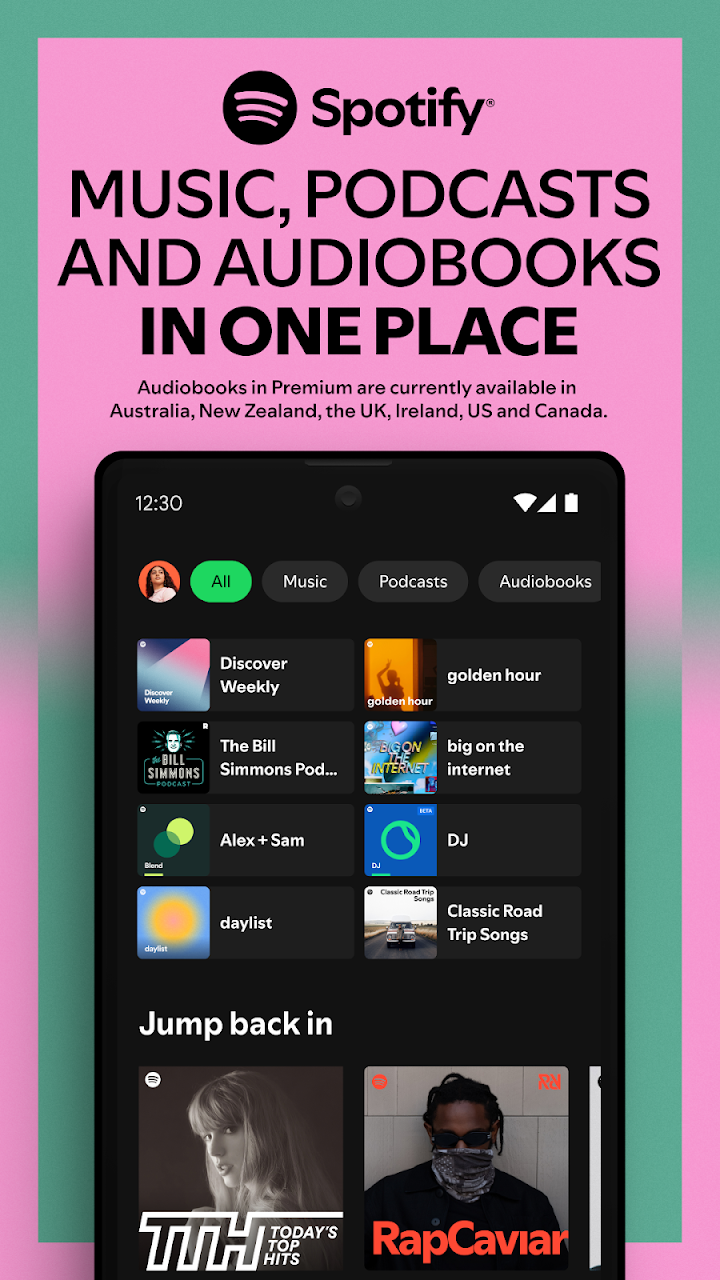
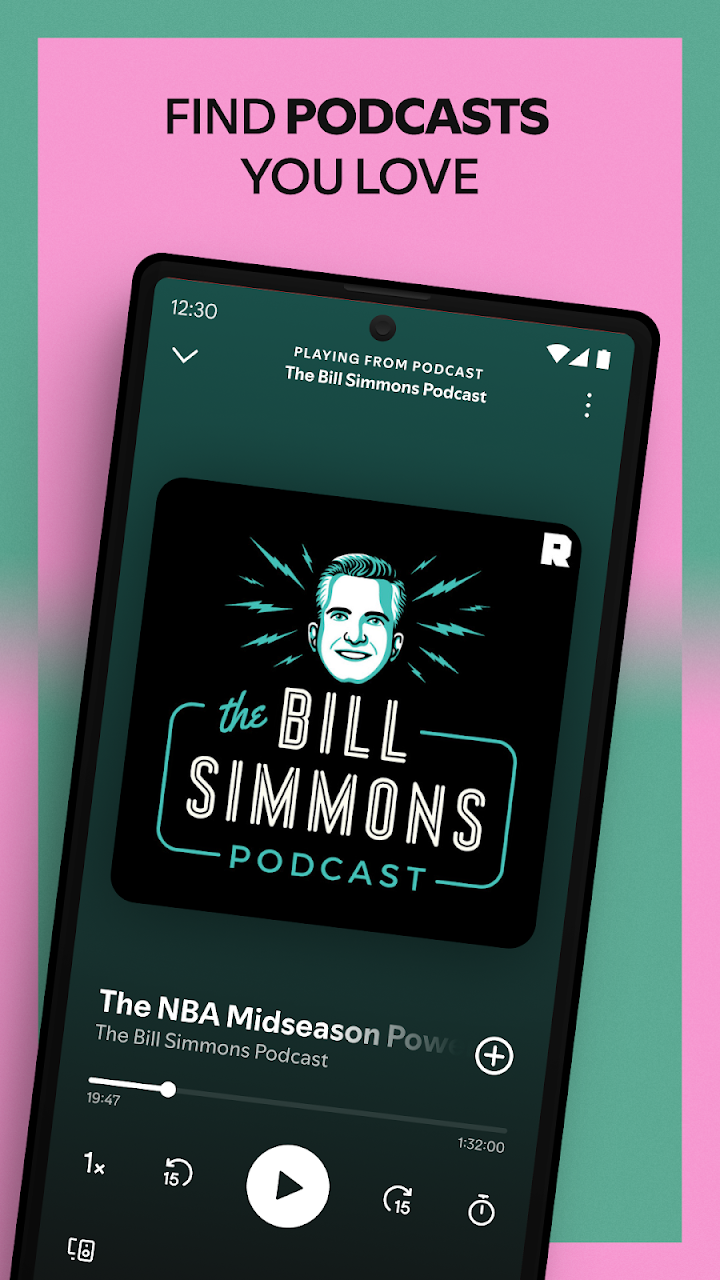
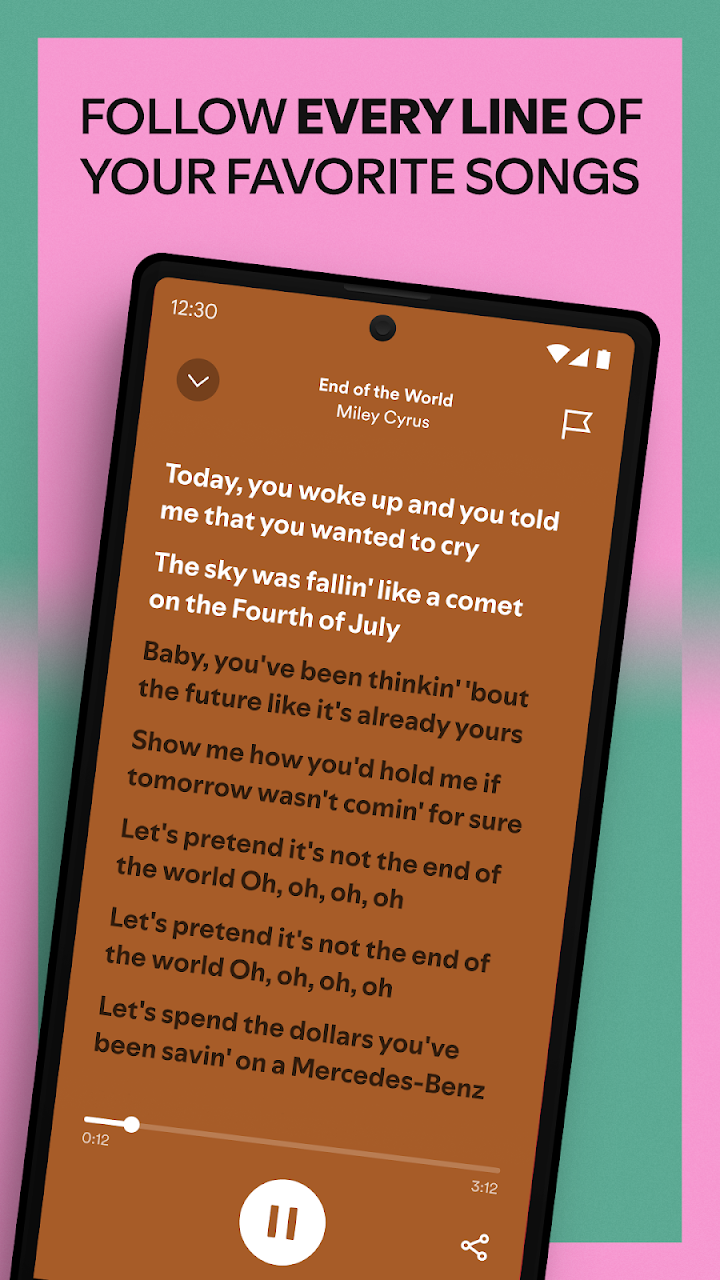
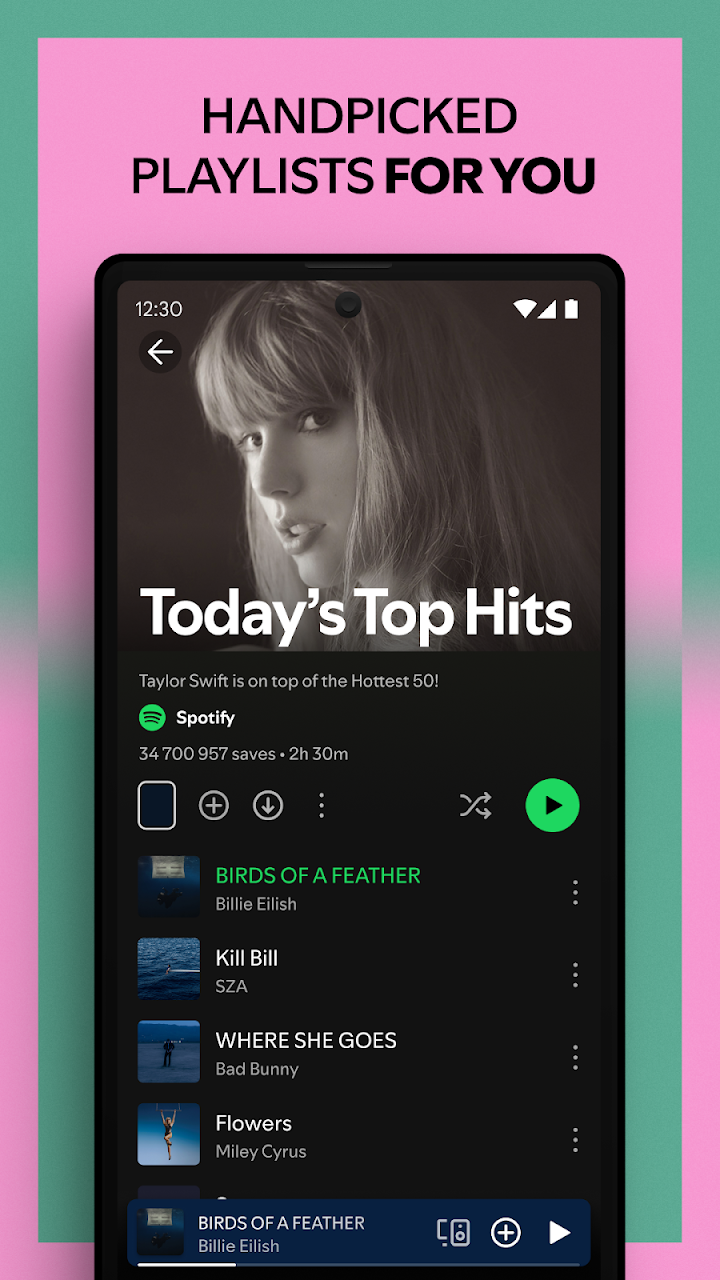
About Spotify: Music and Podcasts
Spotify is a streaming service that gives access to a very large library of songs, podcasts and audiobooks. The mobile app lets you search for specific tracks, follow artists and build playlists. This page gives an independent overview of its features and practical tips for getting more from it.
The library
You can search by song, album, artist, genre or mood. The home screen suggests playlists and recently played items. The library tab holds your saved music, podcasts and downloads. Because the catalogue is large, a bit of organisation helps, such as creating folders or playlists for different moments of the day.
Playlists and discovery
Playlists are the core of the experience. You can create your own, follow ones made by others and share them with friends. The service also offers automatically generated mixes based on your listening, and weekly discovery lists. If you enjoy a recommendation, save it to a playlist so that it does not get lost. Following artists helps you see new releases.
Podcasts and audiobooks
The app includes a large podcast collection, with options to follow shows and receive new episodes. Audiobooks are also available in some regions, with certain options depending on your plan. Playback speed controls are helpful for spoken content. A sleep timer lets you fall asleep without leaving audio running all night.
Free and Premium
The free tier lets you listen with advertisements and some limits on skipping and choosing specific tracks, depending on region and device. A paid Premium plan removes advertisements and adds features such as offline downloads and higher audio quality. Compare the options in your region before deciding, and remember that prices vary.
Offline listening and data
Premium users can download music and podcasts to listen without an internet connection. This is useful during travel. If you stream on mobile data, you can reduce usage by lowering streaming quality in settings, and by downloading playlists over Wi-Fi.
Sharing and social features
You can share songs through messages or social platforms and collaborate on playlists with friends. Group sessions allow people to listen together remotely. These features are optional and can be managed in privacy settings.
Sound and audio settings
The app has an equaliser and normalisation options to adjust sound. Using good headphones makes a bigger difference than any setting. For safe listening, keep volume at a comfortable level to protect your hearing, especially with earphones.
Privacy
You can make your listening activity private, hide playlists and manage personalised recommendations. Review these settings if you share your account with family.
Support for artists
Streaming generates income for artists, though the amount per stream is small. If you love an artist, you might also buy their music, attend concerts or purchase merchandise.
Best suited to
It suits anyone who likes music or podcasts, from casual listeners to people who build detailed collections.
Bottom line
Spotify is a convenient way to enjoy music and podcasts. Organise your playlists, manage your data usage and choose the plan that suits your listening habits.