

- Developer
- WhatsApp LLC
- Installs
- 10B+
- Downloads
- 1
- Views
- 9
- Updated
- Oct 25, 2026
Screenshots


About WhatsApp
WhatsApp is a messaging and calling application used by a very large number of people worldwide. It lets you send text, photos, voice notes and documents, and make voice and video calls over the internet. This page gives an independent overview of its main features and some practical advice on privacy and safety.
What the app does
You register with your phone number and can message anyone in your contacts who also uses the app. Messages are sent over a data or Wi-Fi connection, so there is no per-message fee from your phone plan, although normal data charges may apply. It works on phones, and it can be linked to computers and tablets.
Chats and groups
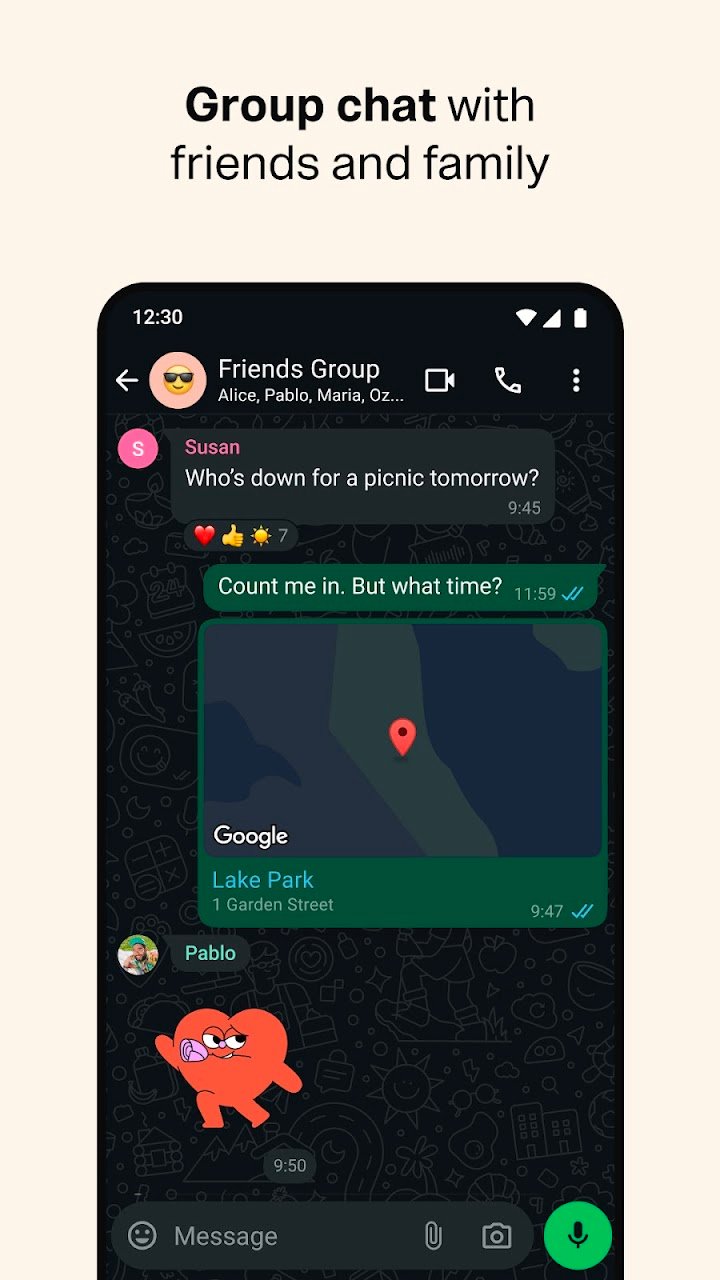
Individual chats support text, emojis, photos, videos, voice notes and files. Groups allow many people to chat together, which is useful for families, classes and workplaces. Group admins can control who can send messages and who can add members. Muting a noisy group is easy, so you can read it when it suits you.
Calls
Voice and video calls are available for one-to-one conversations, and group calls are also supported. Call quality depends on your connection. Using Wi-Fi is wise for long video calls, because they can use a significant amount of data.
Privacy and encryption
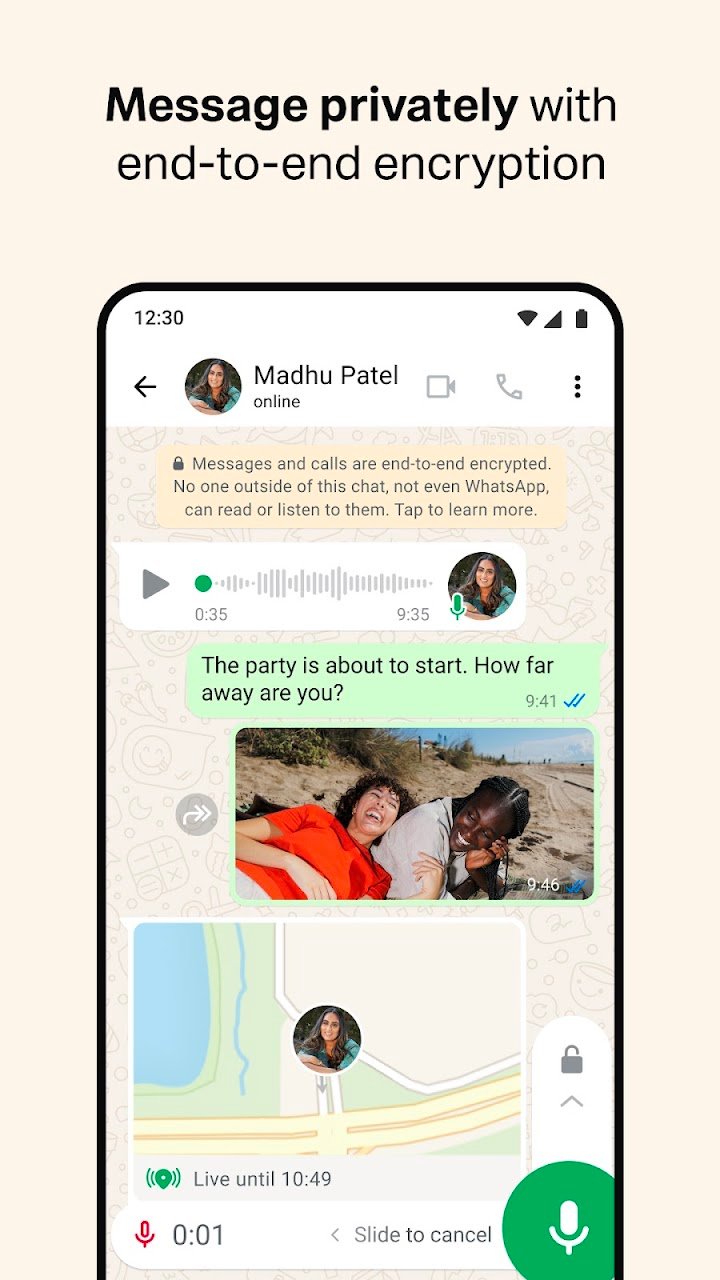
Personal chats and calls are protected by end-to-end encryption, which means that only the people in the conversation can read or hear them. This does not prevent a person from sharing a message they have received. In privacy settings, you can control who sees your profile photo, status and last seen time, and you can turn off read receipts.
Backups and storage
Chat backups can be stored in your cloud account, so that you can restore them on a new phone. Backups may take considerable storage space. You can also manage storage by deleting large files from chats.
Staying safe from scams
Be cautious about messages from unknown numbers that ask for money, codes or personal details. Never share your verification code with anyone. Be careful with links, even from contacts, because accounts can be compromised. Enable two-step verification to protect your account. If a message seems unusual, call the person to check.
Status and communities
Status lets you share updates that disappear after twenty-four hours. Communities help organisations manage several groups. These are optional features.
Tips for everyday use
Use starred messages to save important information. Use broadcast lists to send the same message to many people without creating a group. Mute notifications at night to avoid distraction. Review your privacy settings from time to time.
Who should try it
It is suitable for anyone who wants a simple way to stay in touch with family, friends and colleagues. Children should be supervised and use privacy settings appropriately.
Price and advertising
The app is free to download and use. Data charges from your provider may apply. Business features may be offered separately.
Overall impression
WhatsApp is a practical, widely used communication tool. Use privacy settings, enable two-step verification and be careful with unknown messages to enjoy it safely.