

- Developer
- Easybrain
- Installs
- 100M+
- Downloads
- 1
- Views
- 4
- Updated
- Oct 25, 2026
Screenshots


About Sudoku.com - Sudoku Puzzle
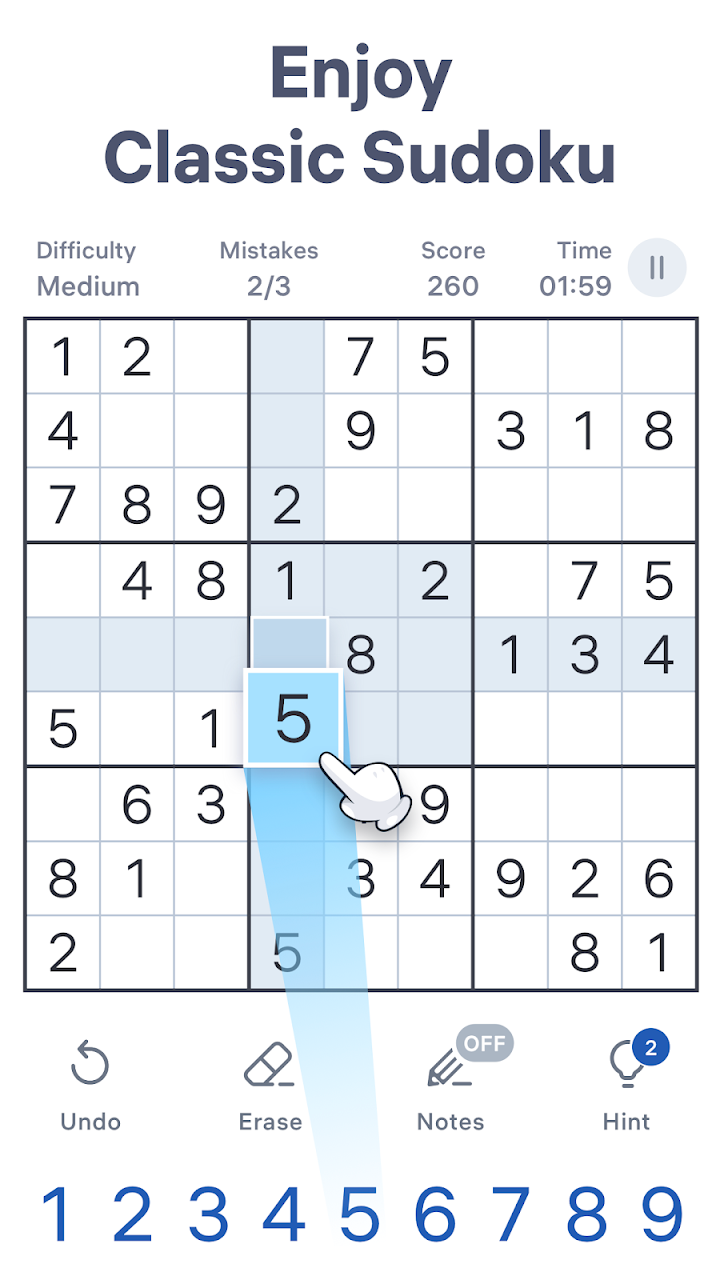
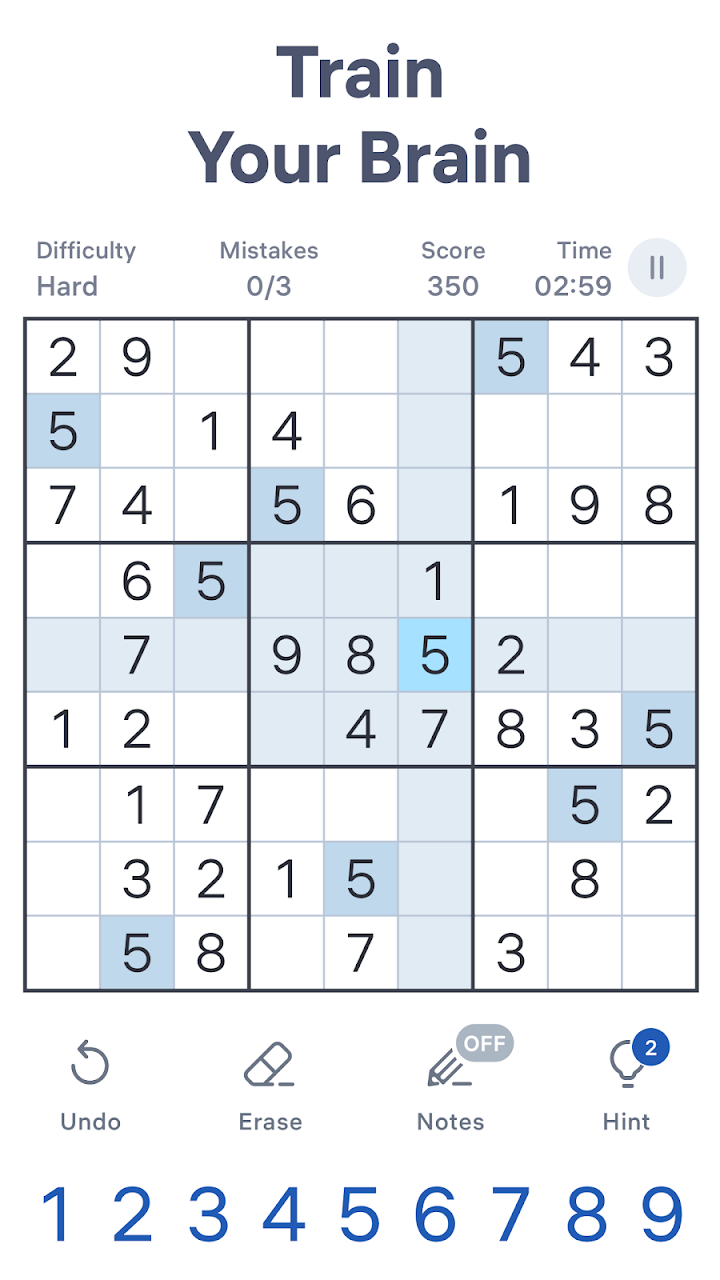
Sudoku.com is a mobile app for the classic number puzzle. It offers thousands of puzzles across several difficulty levels, with tools for beginners and challenges for experienced players. This page explains the rules of Sudoku, the features of the app and solving techniques.
The rules
A Sudoku grid has nine rows, nine columns and nine smaller squares, each with nine cells. Some cells already contain numbers. Your task is to fill in the rest so that every row, column and square contains the digits one to nine exactly once. Each puzzle has one correct solution, which can be found by logic without guessing.
Difficulty levels
The app offers levels from easy to expert. Easy puzzles have more given numbers and need simple logic. Higher levels have fewer clues and need advanced techniques. Starting with an easier level and moving up gradually is the best way to build confidence.
Basic techniques
The simplest technique is scanning: look at a row, column or square and find the missing number. If a number can only fit in one cell in a unit, place it there. Another technique is elimination: if a cell can only be one number because all others are excluded, fill it in.
Using notes
Notes, or pencil marks, allow you to write candidate numbers in a cell. They are essential for harder puzzles. The app lets you toggle notes easily. Use them to find pairs and triples: if two cells in a unit share the same two candidates, those numbers cannot appear elsewhere in that unit.
Advanced ideas
Techniques such as X-Wing and pointing pairs allow you to eliminate candidates across rows and columns. They are not needed for easy puzzles, but they help in expert levels. Learning them one at a time is more effective than trying to memorise many.
Hints and mistakes
The app offers hints and may highlight mistakes. Using them occasionally helps you learn, but relying on them too much can reduce satisfaction. Some players turn off mistake highlighting for a stronger challenge.
Daily challenges
Daily puzzles give you a goal each day and let you collect trophies. This encourages regular practice. You can also play puzzles by themed events. These are optional.
Benefits and cautions
Sudoku can be a pleasant way to exercise concentration and logic. It should be seen as entertainment. Take breaks to avoid eye strain.
Who will enjoy it
It suits anyone who likes number puzzles, from beginners to experts. It is good for commutes, waiting rooms or quiet evenings. Players who prefer action games may find it slow.
Money and ads
The app is free with advertisements and optional purchases to remove them or add features. It can be played offline.
Overall impression
Sudoku.com offers a clean environment for a timeless puzzle. Start with easy levels, use notes and enjoy the gradual improvement in your logical skills.